Sales Reports
Sales reports help teams understand revenue and customer activity.
Before you start
- Confirm the sales documents are posted.
- Confirm the date range is correct.
- Confirm the user has access to the report family.
- Confirm customer or sales rep filters if they apply.
Visual guide
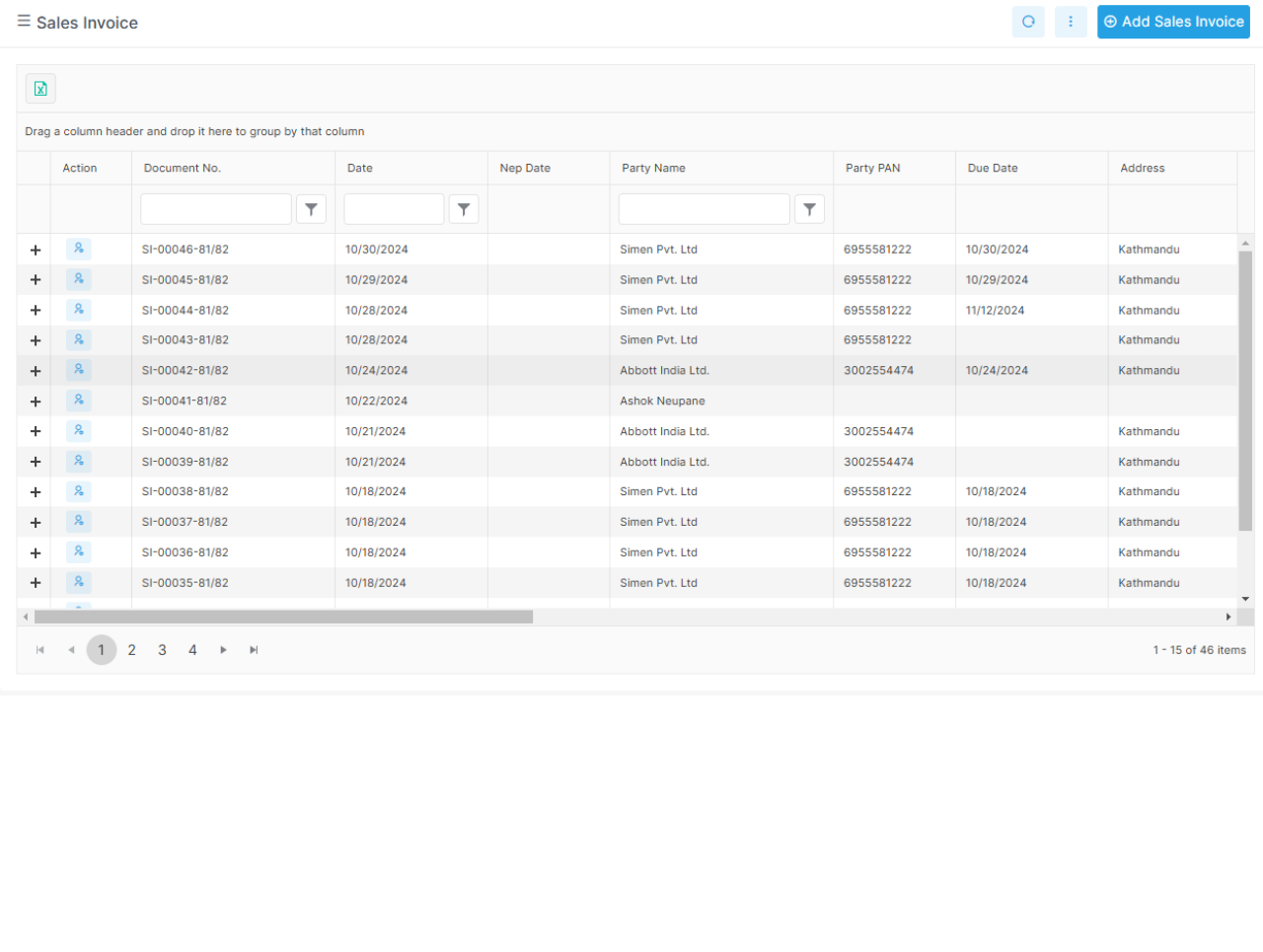
Sales lists and reports
This kind of screen is useful when you want a quick list first. Use the detail report when you need a drilldown.
What to notice in sales reports
The invoice list gives a fast view of posted sales. Summary pages help before you open the detailed trail. Customer outstanding reports help collections and follow-up.
Common examples
- invoice reports
- return reports
- sales by item
- customer outstanding reports
- sales by detail
- sales by representative
What these reports answer
- Which invoices were posted in a period?
- Which items sold the most?
- Which customers still owe money?
- Which sales rep drove the most sales?
- Which returns were recorded?
Real report names in the app
| Report | Purpose |
|---|---|
invoice-report |
Invoice list and totals |
return-report |
Customer return view |
sales-by-item |
Sales grouped by item |
sales-by-detail |
Detailed sales breakdown |
sales-summary-sales-rep |
Sales summary by sales rep |
customer-outstanding-report |
Outstanding customer balances |
customer-outstanding-detail |
Customer outstanding detail |
Notes
Use the summary report when you want a fast view. Use the detail report when you need a drilldown for audit or follow-up.